Usage
Basic setup
Start app
siren
Open the app http://localhost:5006/
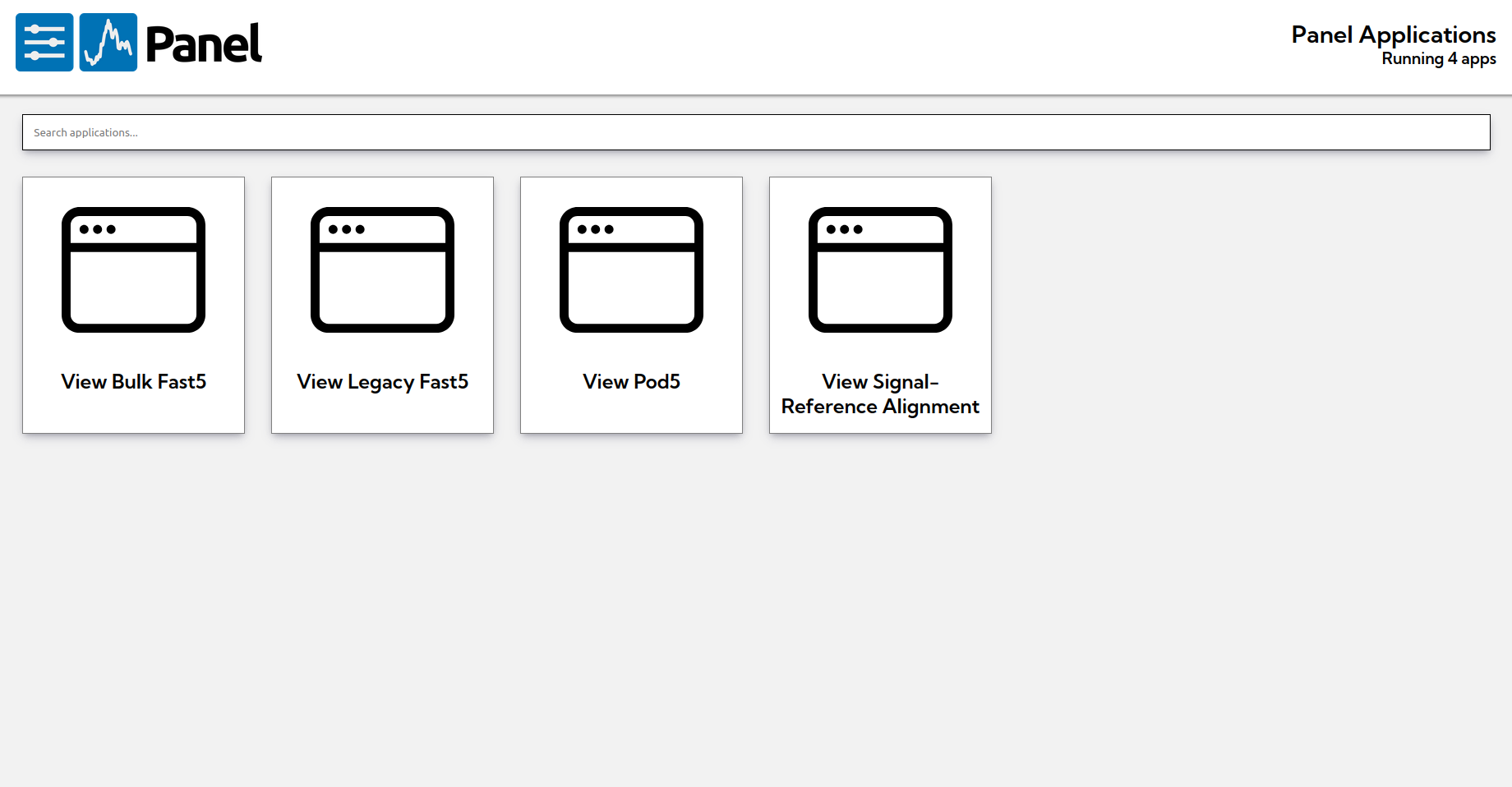
Currently Siren has 4 tools available. Click tool button to load the tool page.
View Bulk Fast5 (Bulkvis)View Legacy Fast5 (Sigvis Legacy)View Pod5 (Sigvis)View Signal-Reference Alignment (Anchovis)
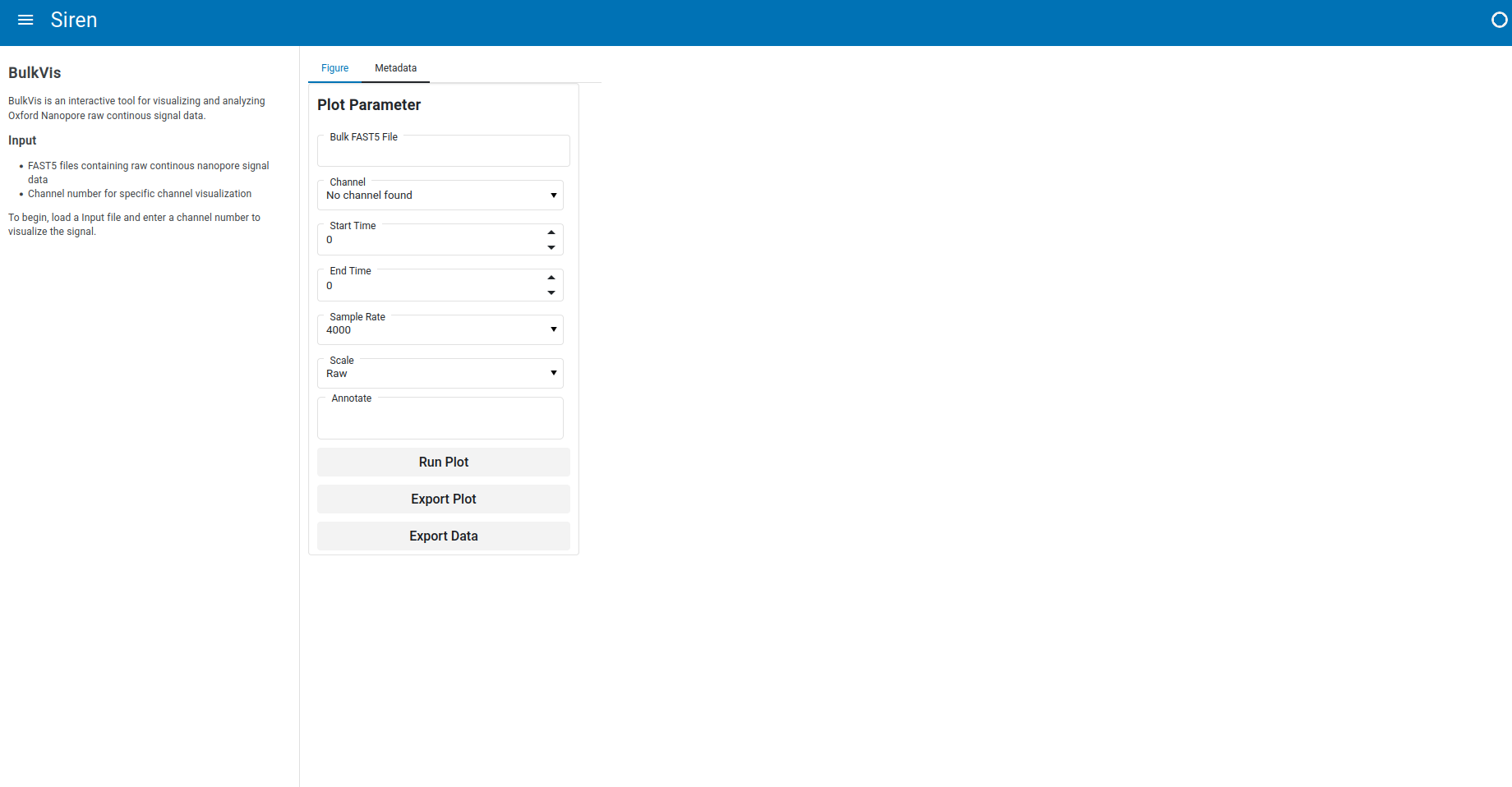
View Bulk Fast5
Enter bulk FAST5 path, channel ID, start, and end time to visualize bulk raw signal. Select available annotation if needed.
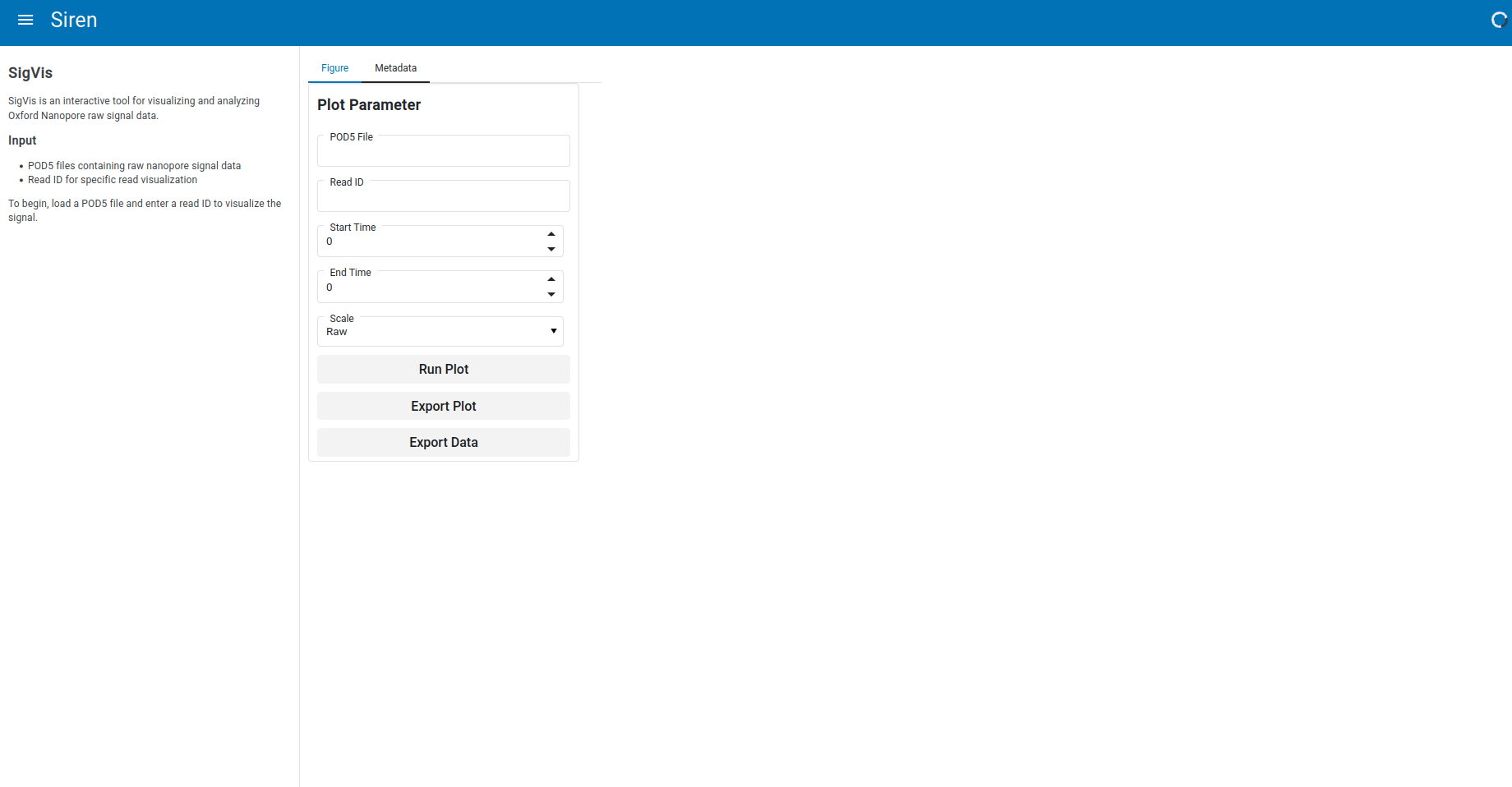
Signal visualization
Enter POD5 path, read ID, start, and end time to visualize raw signal. Apply normalization if needed.
Signal visualization (legacy)
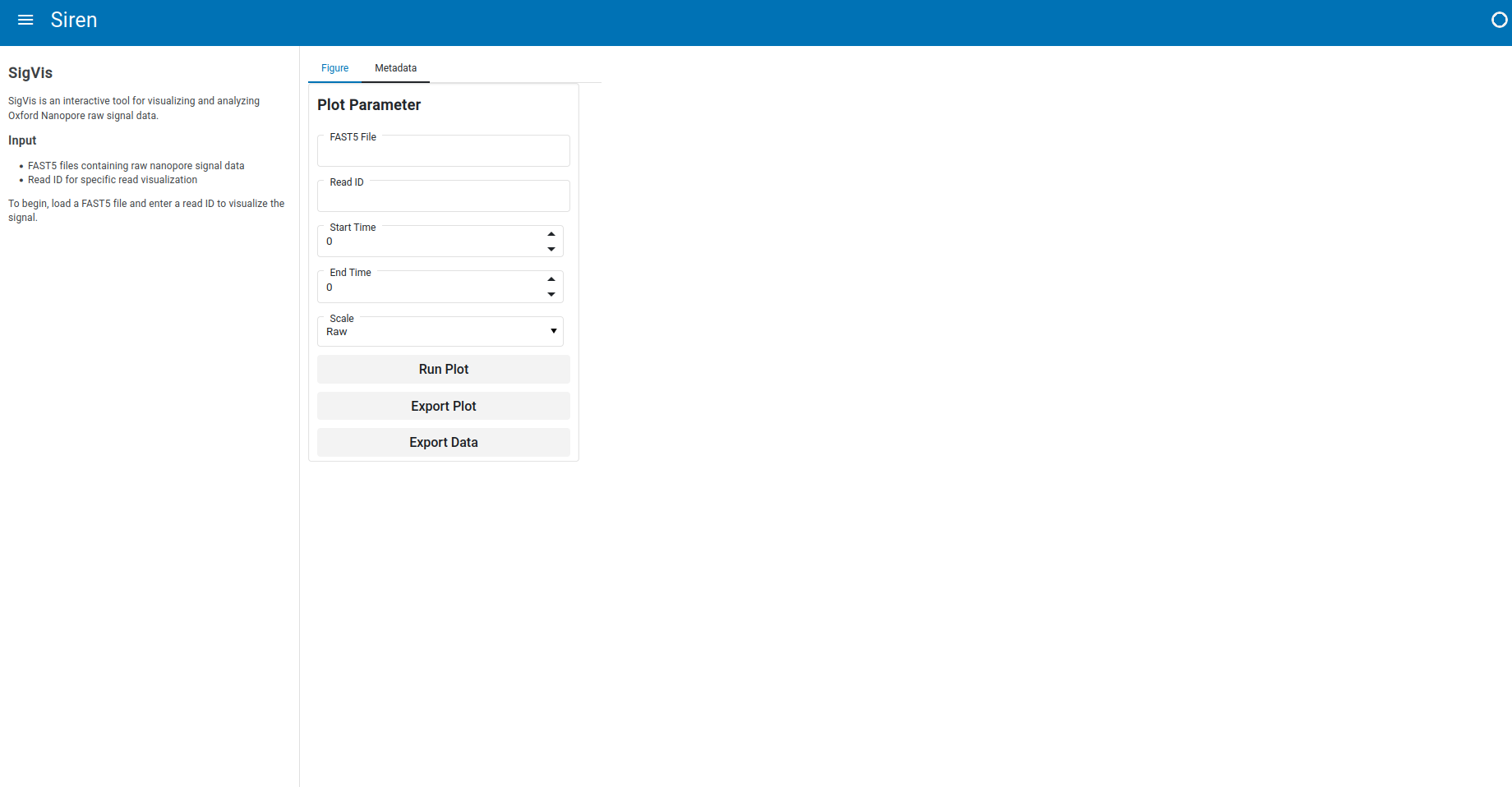
Enter FAST5 path,read ID, start, and end time to visualize raw signal. Apply normalization if needed.
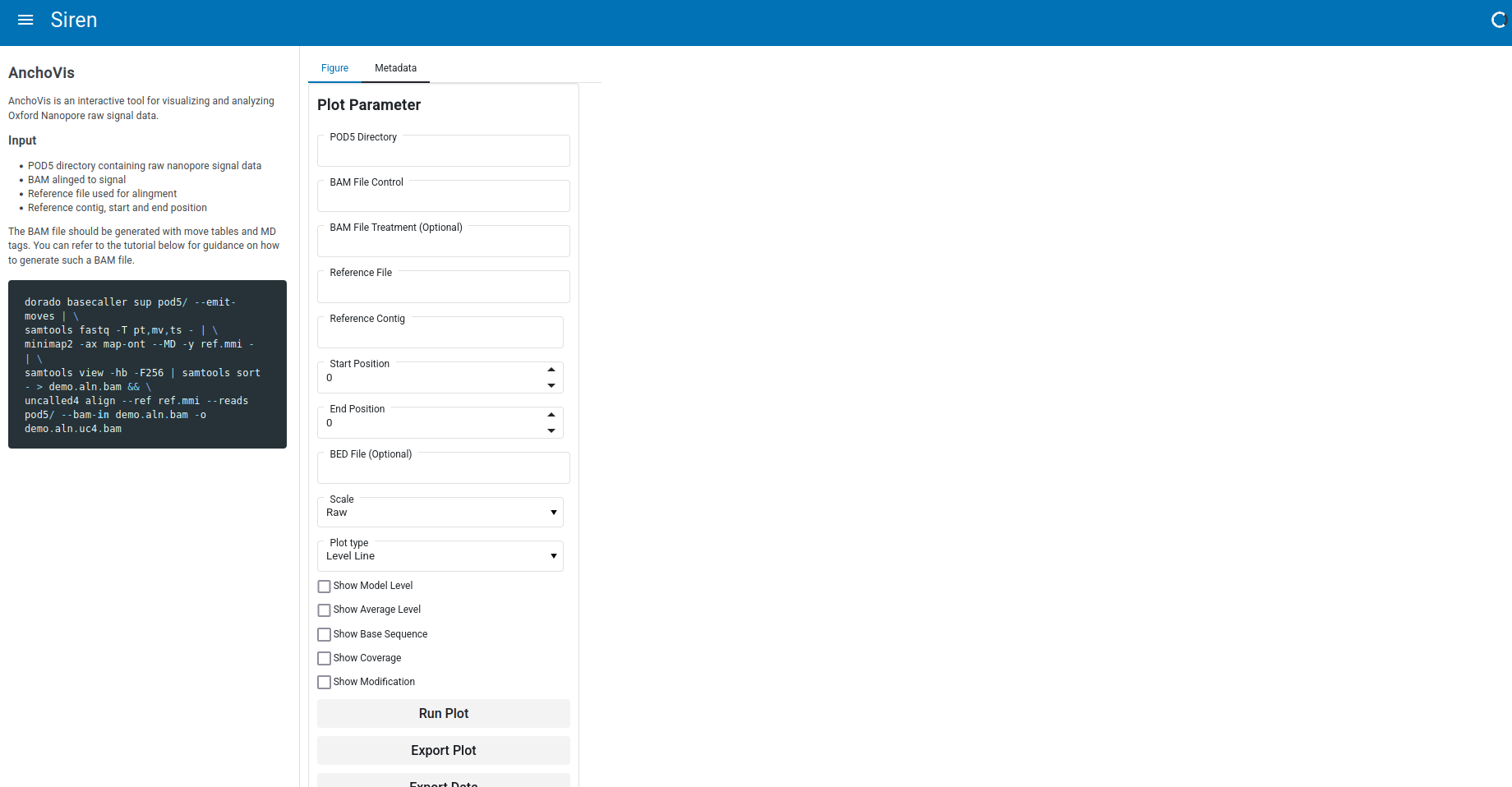
Signal-Reference Alignment visualization
Preparing input
The BAM file should be generated with move tables and MD tags. You can refer to the tutorial below for guidance on how to generate such a BAM file.
dorado basecaller sup pod5/ --emit-moves | \
samtools fastq -T pt,mv,ts - | \
minimap2 -ax map-ont --MD -y ref.mmi - | \
samtools view -hb -F256 | samtools sort - > test.aln.bam
Enter refence file path, contig name, start, and end time to visualize signal mapping to reference.